Do you want to import your photos from Dropbox to WordPress galleries? Often photographers use Dropbox to store their images in the cloud. However downloading the photos and then uploading to WordPress media library can take hours. In this article, we will share how to import your images from Dropbox to WordPress gallery in just…
Sharing photos with clients and website visitors should be simple. Whether you’re a photographer delivering client galleries, a creative professional showcasing portfolio work, or a business owner distributing marketing images, you need an easy way for people to save and download your photos. Adding a photo gallery download button solves this problem. No more emailing…
Do you want to hide password protected galleries on your WordPress site? You may have a password protected photo gallery that you created for a client, and you don’t want it to show up in the loop along with all of your other galleries and blog posts. In this article, we will share how to…
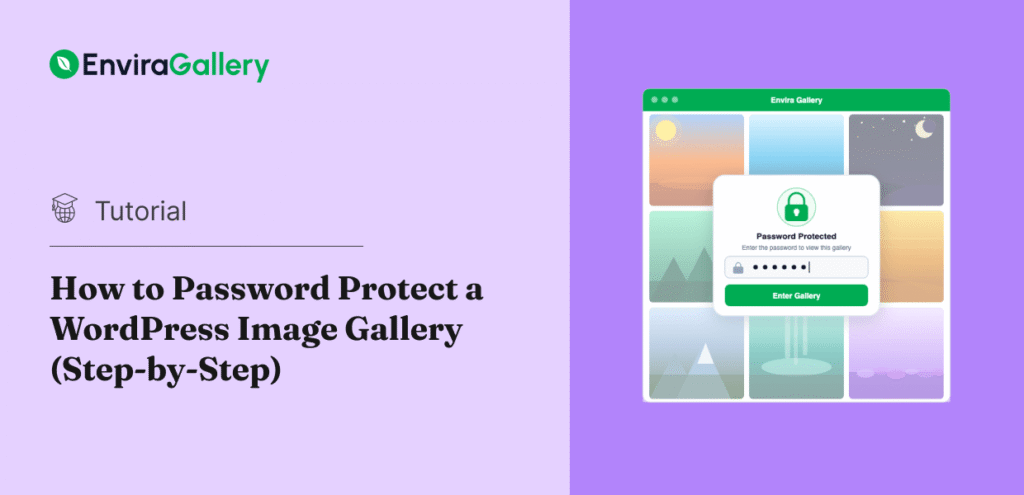
Sending your client a Google Drive link full of proof shots might technically work — but it doesn’t exactly look polished. And emailing high-res files back and forth? That’s a recipe for missed attachments and frustrated clients. A password-protected image gallery is a cleaner way to work. You share one link, set a password, and…