



Create Beautiful Responsive Photo & Video Galleries For Your Site in Minutes
Documentation, Reference Materials and Tutorials for Envira Gallery
Pagination is a way of splitting the site content into separate pages instead of loading everything at once. It improves performance, user experience, and loading speed.
With Envira you can make use of the Pagination Addon that break large galleries or album into different pages. You can learn more on using the using it here, Envira Pagination Addon.
With Envira Gallery, there are different pagination types available, such as:
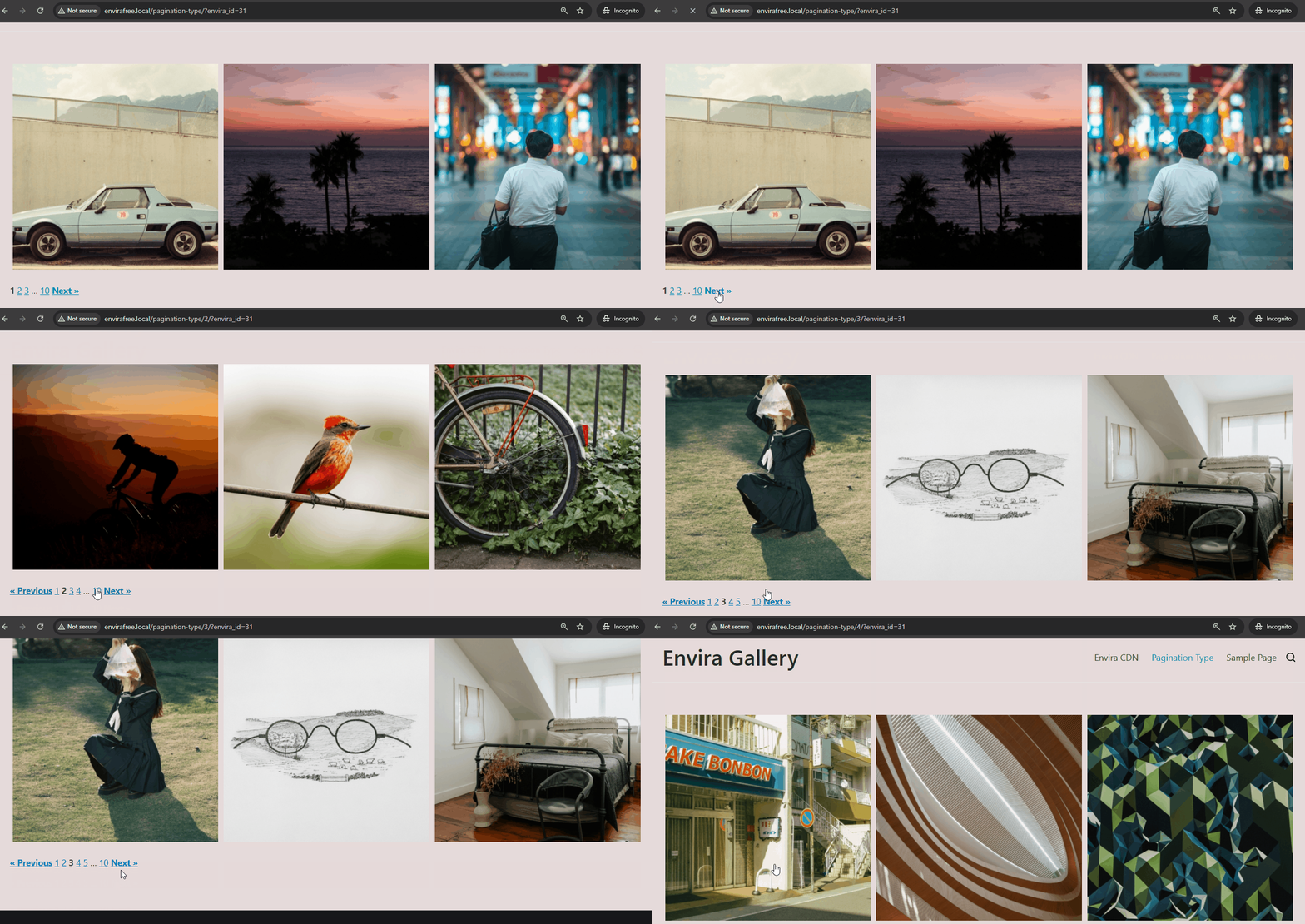
It refers to the way how new images show up in the gallery when you go to the next page. On Envira Gallery, there are four ways this can happen:
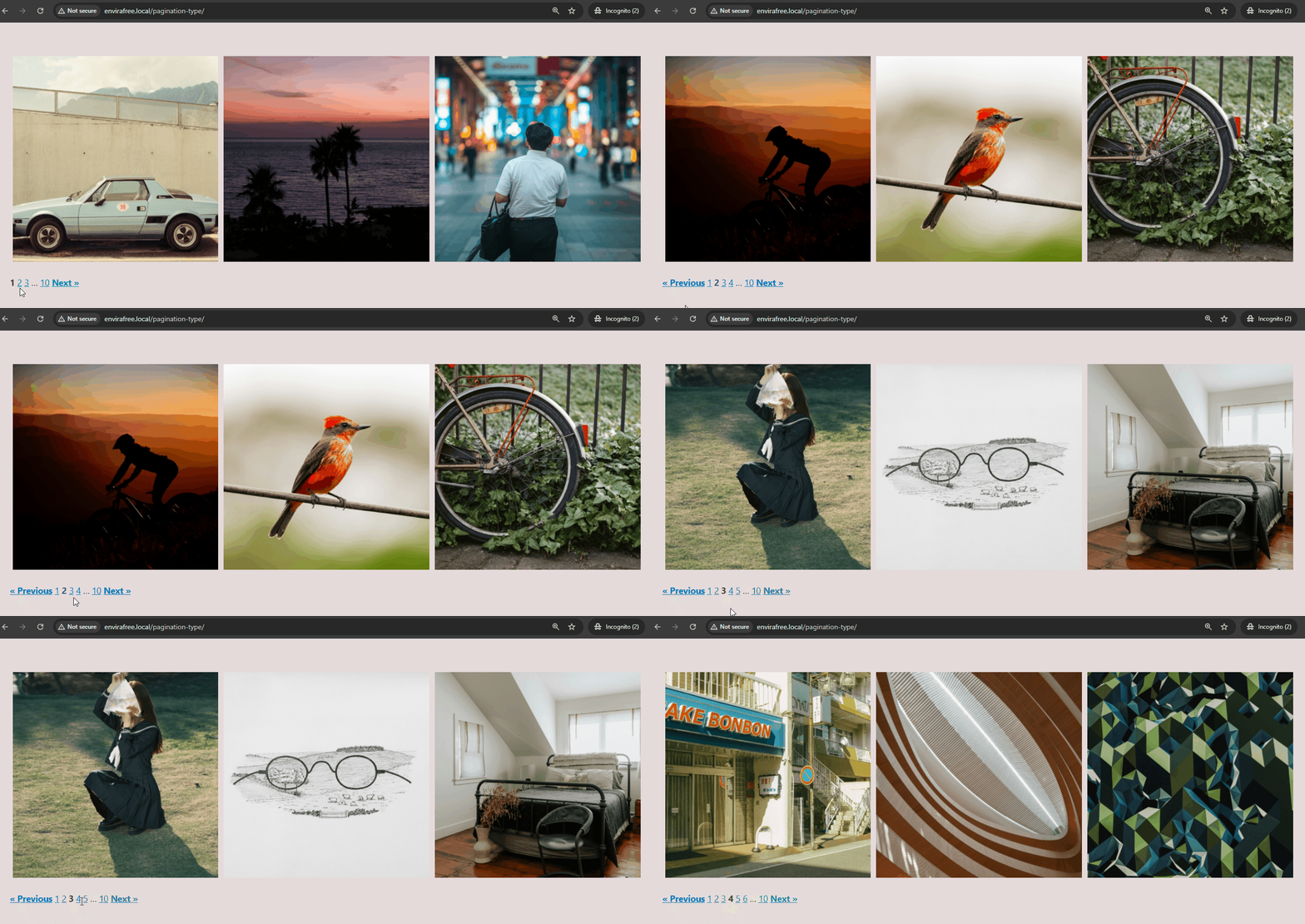
When you click on the Previous/Next button or Number 1,2,3…the whole page reloads to show new images.
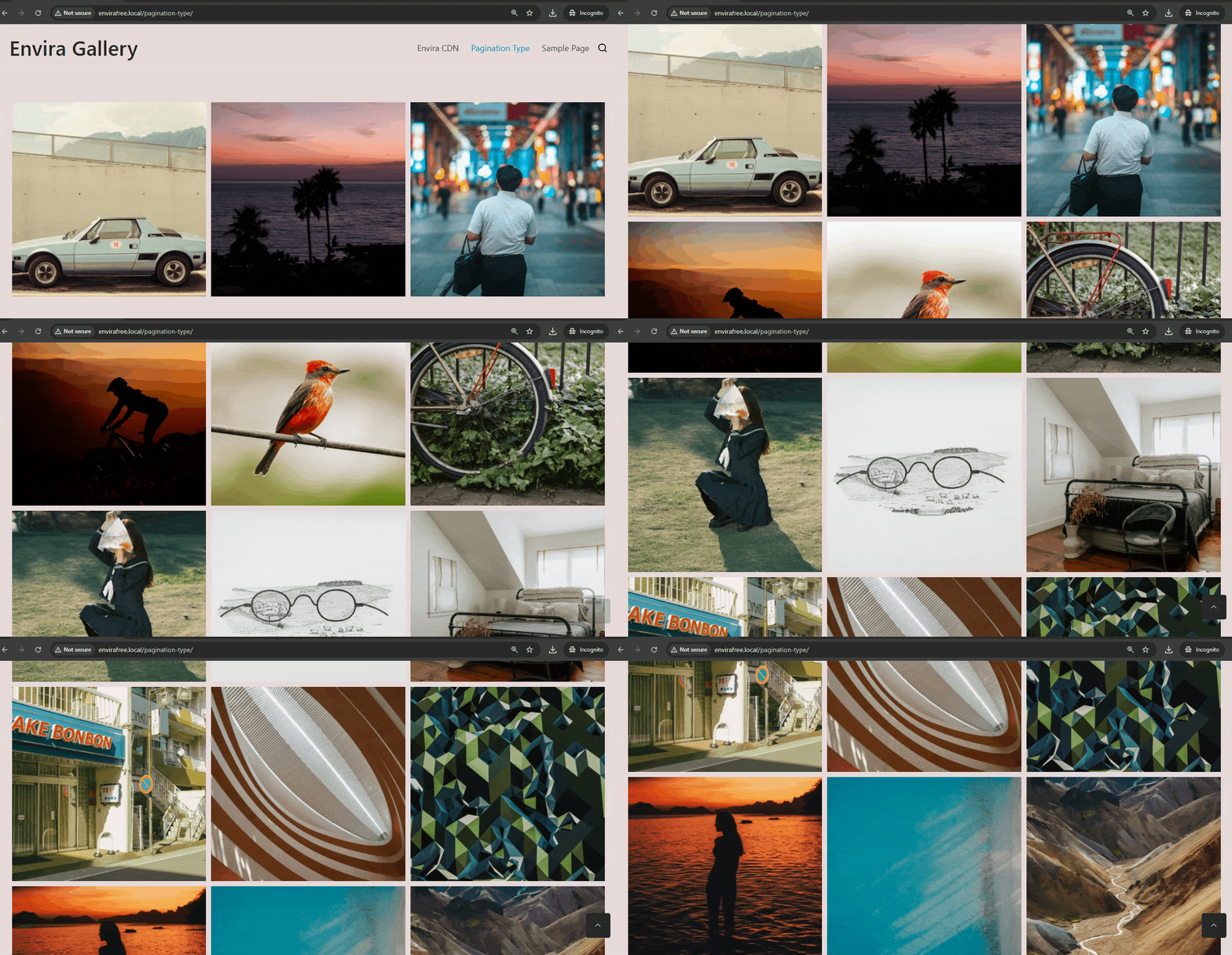
As you scrolls down the pages, more gallery images load automatically.
When you click on the Previous/Next button or Number 1,2,3…the image changes without the page reload.
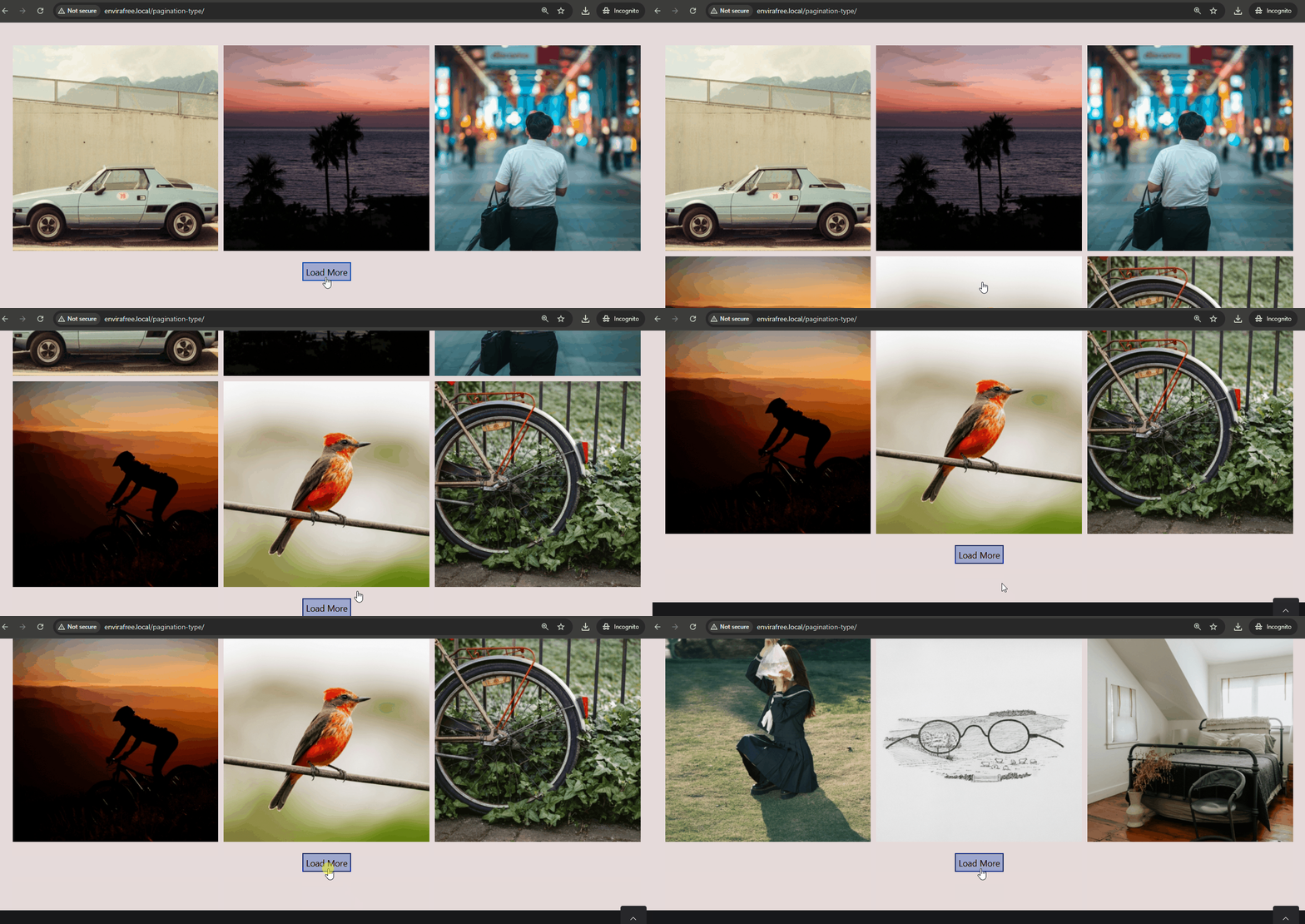
A Load More button appears below the images. When you click the Load More button, a new image will appear.
Each of this type has its own benefits and works better in different situations. It all depends on your website and how you want visitors to use it.
For example – If you have a simple gallery on its own page, you can use any type of pagination you like.
But if you want to add multiple galleries on the same page, it’s better to use On Pagination, Click (AJAX). Doing so, only one gallery changes at a time without reloading the whole page or making you scroll back to the gallery.
Using “On Pagination Click, Reloading Page” can cause problems if your page has 3 or more galleries. The page reloads, but the pagination might not work correctly. Also, if the galleries have different numbers of images, one gallery might run out of pages before another, causing errors.
Different types of pagination work best in different situations. It depends on your website and how you want your visitors to use it. Here are some use case when you can use the pagination type:

Envira Gallery: Create, Showcase, and Sell Your Work – Trusted by 150k+ Sites.
Enter the URL of your WordPress website to install

Unlock even more powerful features designed to make your galleries even more beaituful.
Video Galleries
eCommerce
Social media Sharing
Adobe Lightroom
And much more!

What are you waiting for?


Copyright © [#this year :%Y] Envira Gallery, LLC. Envira Gallery is a trademark of Envira Gallery, LLC.

