



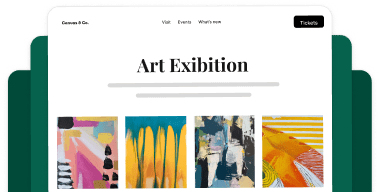


Your galleries have always looked great. But if a visitor reaches the end of a gallery and there’s nowhere else to go, or your photos are still shifting the page around while they load, that’s real traffic walking away without seeing more of your work. This release fixes both of those, and gives you three brand-new ways to lay out your photos while it’s at it.
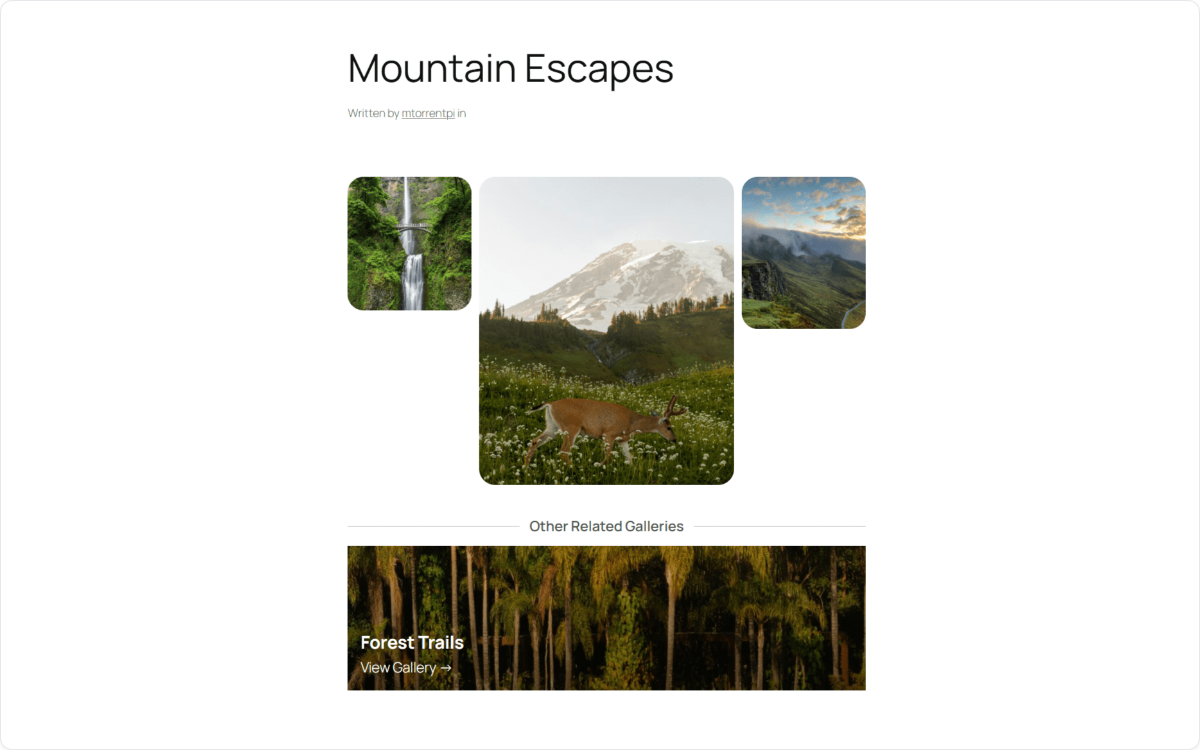
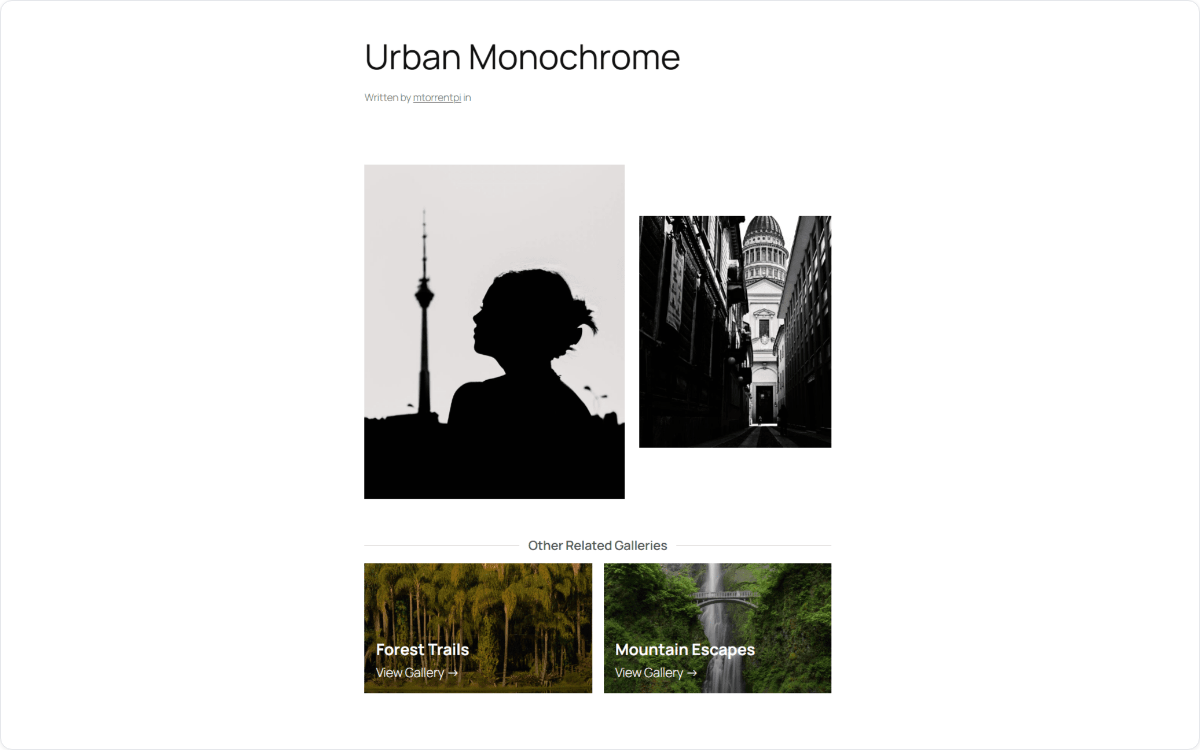
Related Galleries: Keep Visitors Exploring Your Work
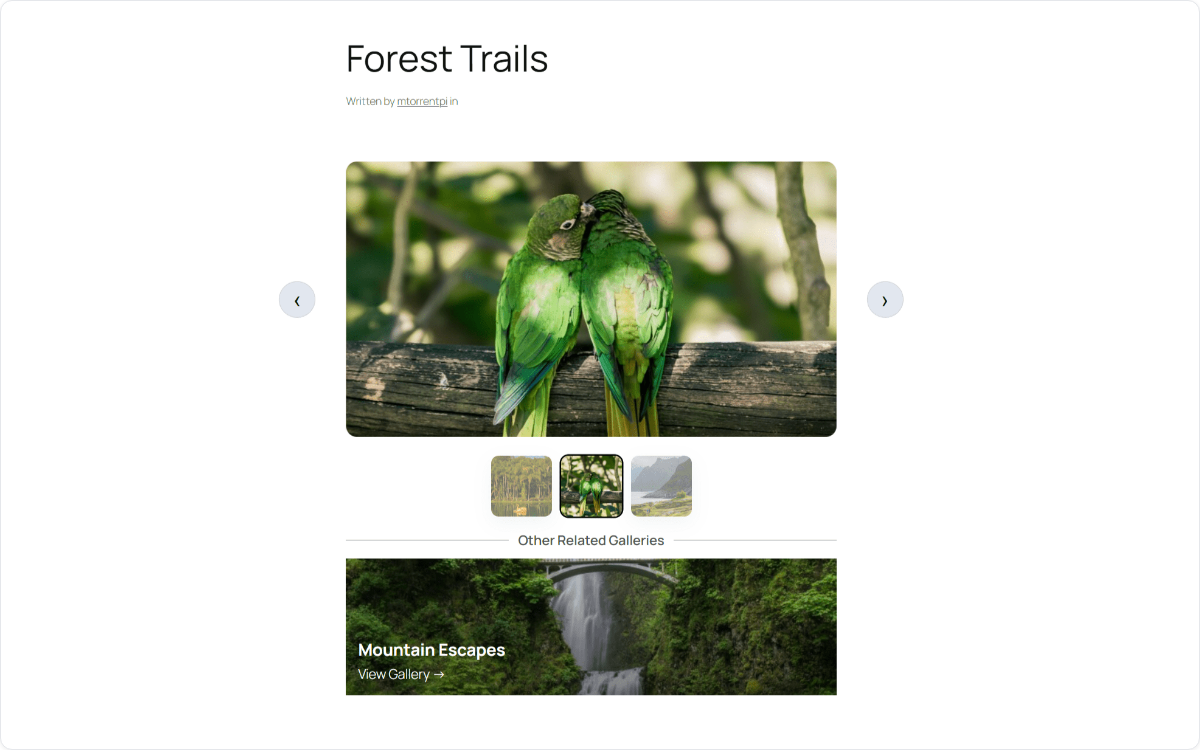
The new Related Galleries addon automatically adds up to three related gallery cards after every gallery and album you publish, so instead of hitting a dead end, visitors get a natural next thing to click. It works everywhere your galleries do, inside the grid and as extra slides at the very end of the lightbox, so browsing your work never really stops.
Setting Up Related Galleries
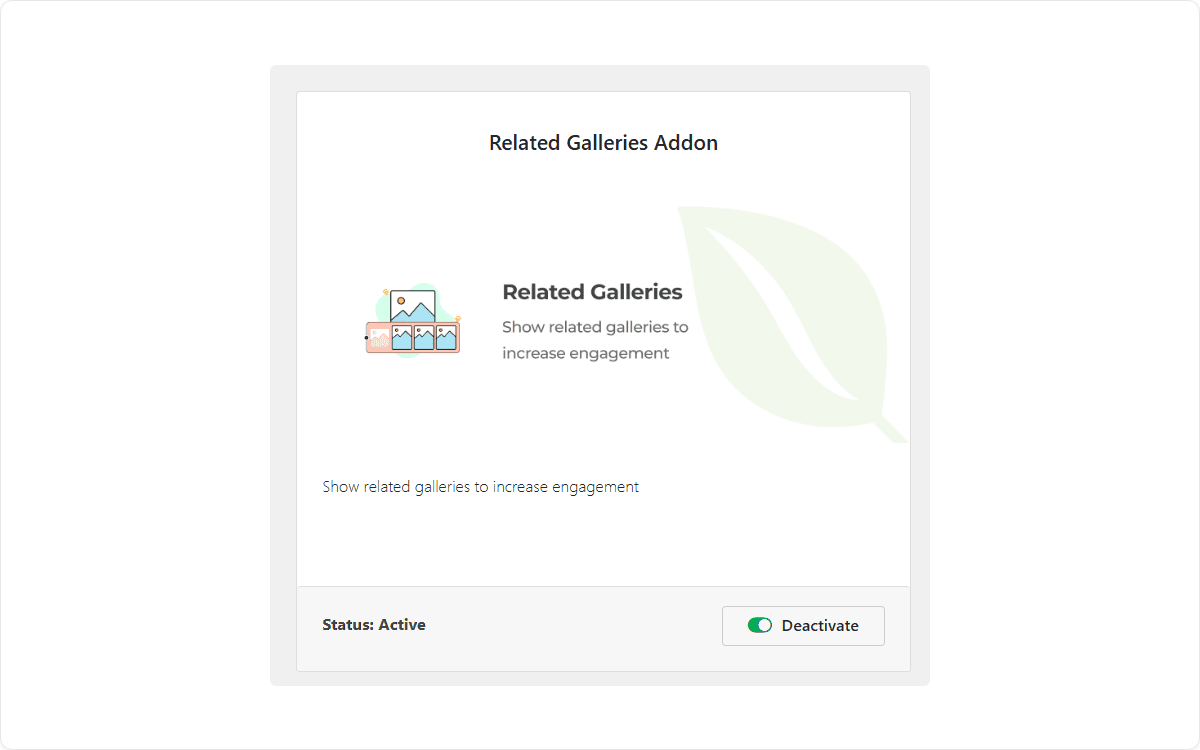
There’s nothing to configure. Once you activate the Related Galleries addon from your Envira Gallery add-ons page, it starts working across every gallery and album on your site automatically.
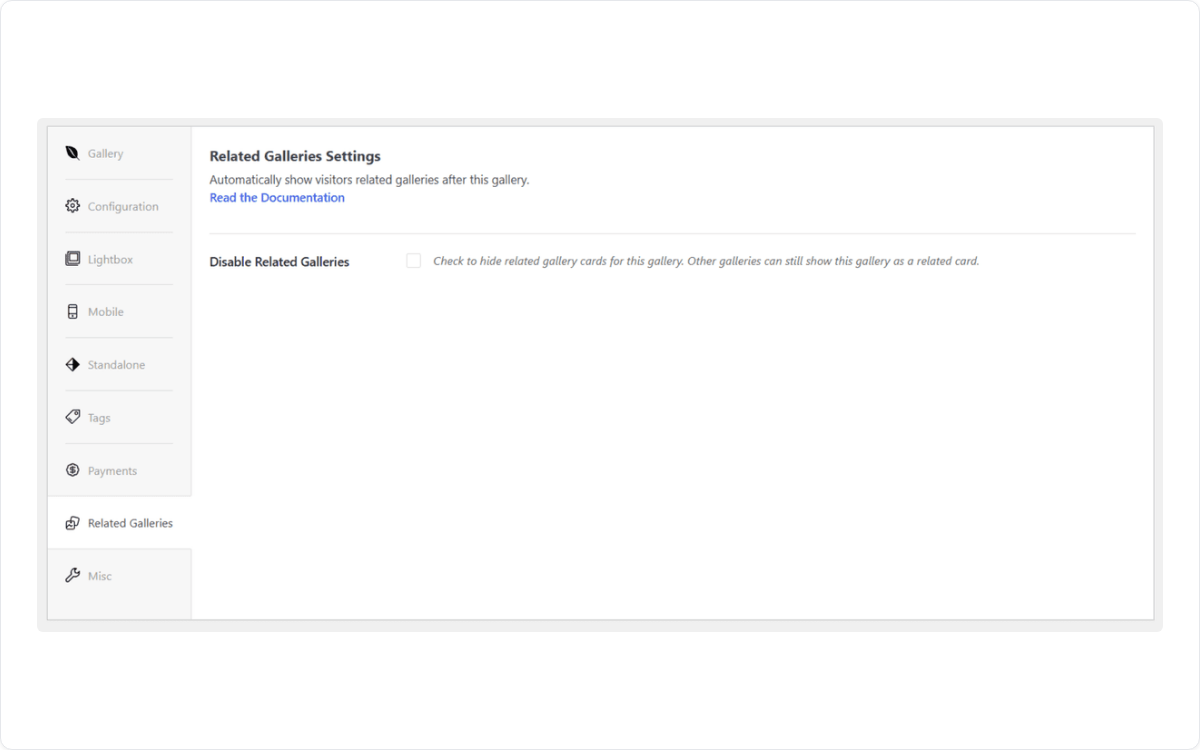
If there’s a specific gallery or album where you’d rather not show related content, a private client proofing set, for example, just open that gallery’s editor and switch off the Related Galleries checkbox. Everything else keeps working exactly as before.
New Gallery Layouts: Three New Ways to Show Off Your Photos
However your photos look best, there’s a good chance one of these three new layouts was built with you in mind. You’ll find all three in your gallery’s layout picker alongside the classics.
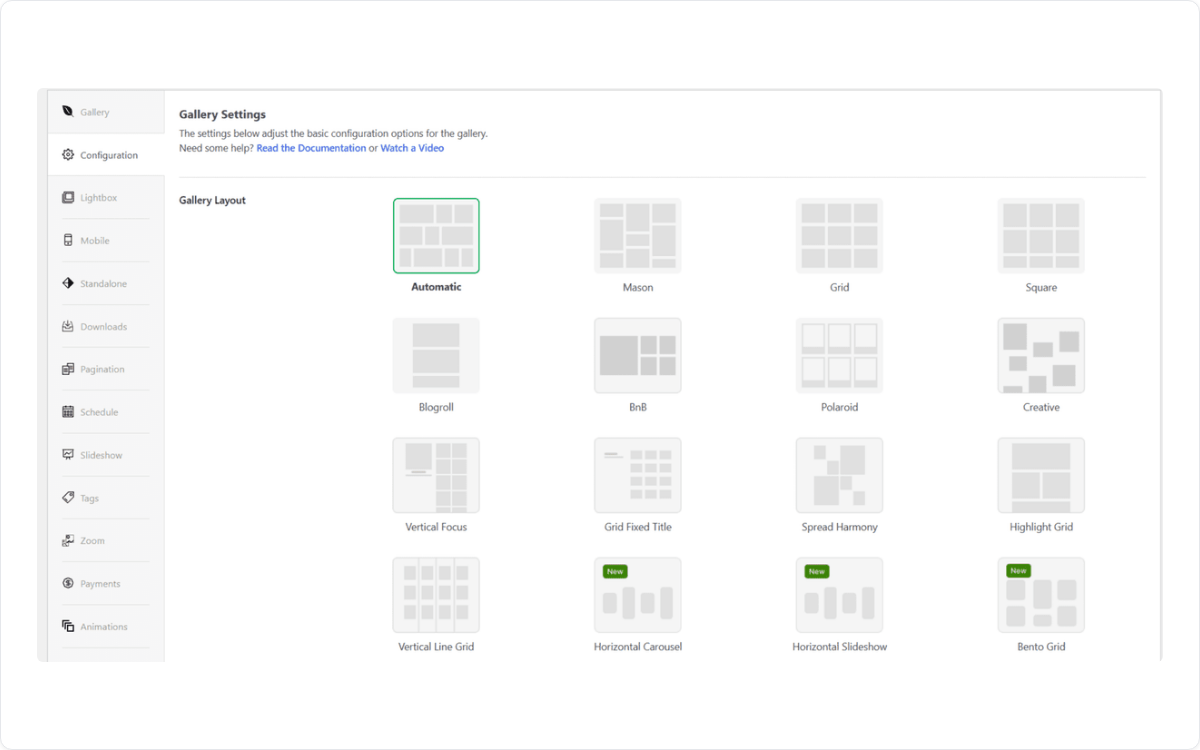
Bento Grid
Bento Grid arranges your photos in a mix of tile sizes instead of a rigid grid, a bit like pinning up a moodboard, so your best shots naturally stand out without you resizing a single image by hand.
Horizontal Carousel
Horizontal Carousel turns your gallery into a single scrolling row of photos, ideal for portfolios, product shots, or any gallery you want visitors to flip through side to side instead of scrolling down.
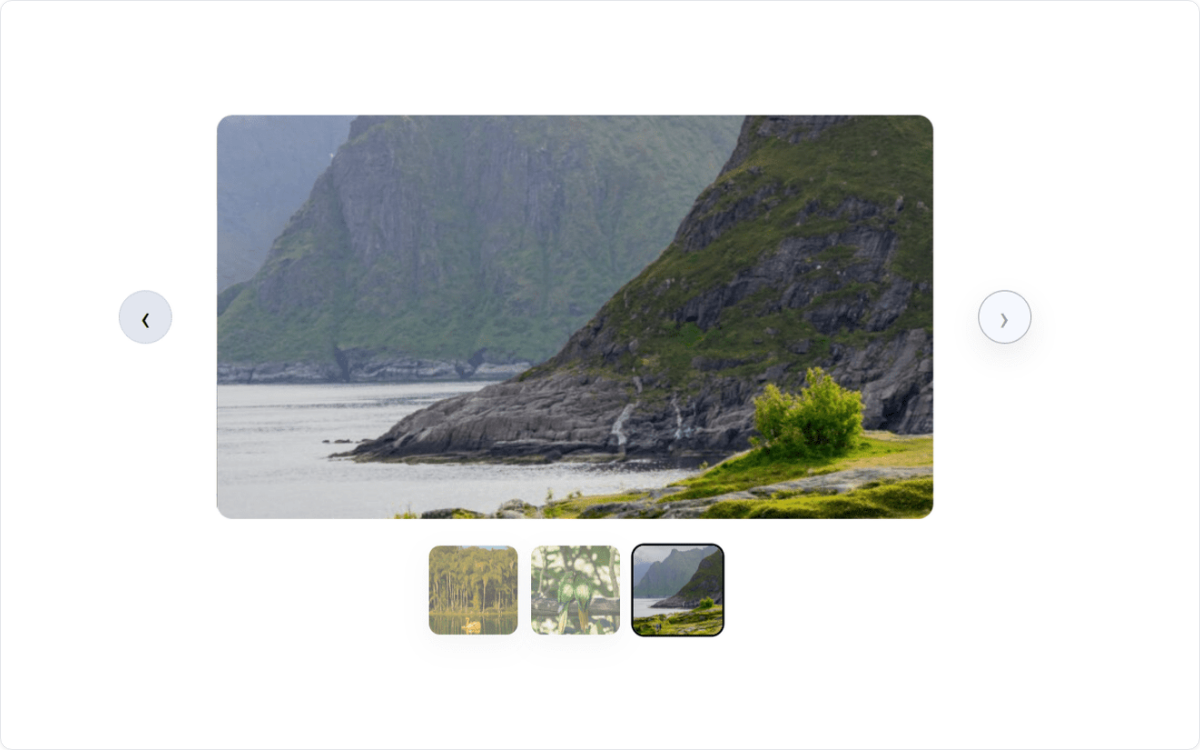
Horizontal Slideshow
Horizontal Slideshow plays your photos one at a time in that same horizontal format, giving each image its full moment on screen before moving to the next, great for storytelling galleries like weddings or portfolio highlights.
All three layouts are ready to use right now on Basic plans and above, just pick one from your layout picker. If you’re on Lite, you’ll see a preview of each one in the gallery editor, and upgrading only takes a minute from your Envira account.
Faster, Lighter Galleries: A Quieter Kind of Update
This release also comes with something you won’t see, but you’ll notice. Photos now reserve their own space on the page before they finish loading, so your gallery settles into place right away instead of shifting around as images pop in.
On Pro, there’s also a bigger change happening behind the scenes: every one of Envira’s 39 addons now only loads what it actually needs. Gallery pages come in noticeably lighter, even pages with no gallery on them at all, just because addons stopped loading things they didn’t need.
Turn on audio for one gallery, and only that gallery loads the audio player. Everything else stays light.
On Google’s own speed test (called Lighthouse), that adds up to a noticeably better grade for gallery pages.
A typical Pro gallery page, before and after this update: 605 KB → 477 KB to download, 55 → 39 files to load, and a speed score of 68 → 75 out of 100 on Google’s Lighthouse test.
This one applies to every Envira Gallery site, Lite included, though the win is naturally bigger on Pro sites running lots of addons since there’s more unnecessary loading to trim. Nothing to turn on, nothing to configure. Just update and your galleries are already lighter.
Get Started Today
The three new layouts are waiting in your layout picker on Basic and above, so open it and try them. Related Galleries is a Pro plans and above addon: if you’re already on Pro, you’ll find it waiting in your add-ons page. If you’re on Lite, you’ll see a preview of both the new layouts and Related Galleries in the gallery editor, and upgrading only takes a minute from your Envira account.
Try Related Galleries & the New Layouts Today
Show off your photos in three brand-new ways, keep visitors browsing your work, and enjoy a lighter, faster gallery.
This release also updates the Envira Pagination and Proofing addons to work with the new Horizontal Slideshow and Horizontal Carousel layouts, plus a handful of smaller fixes and performance tweaks across other Envira addons. As always, it’s worth keeping everything updated to the latest version.
Want to see more of what’s possible with your gallery layouts? Here are a few guides to get you started:
- NEW: Sell Images Directly From Your Galleries With Envira Payments
- NEW Envira Gallery Layouts: Grid Fixed Title & Vertical Line Grid
- NEW Envira Features: Highlight Grid Layout & Dribbble Addon
- NEW in Envira Gallery: Search Addon and Vertical Focus Layout!
- How to Create a Responsive Image Gallery Grid in WordPress
Want to see what else is new in Envira Gallery? Check out our full blog for the latest tutorials, feature releases, and photography tips.