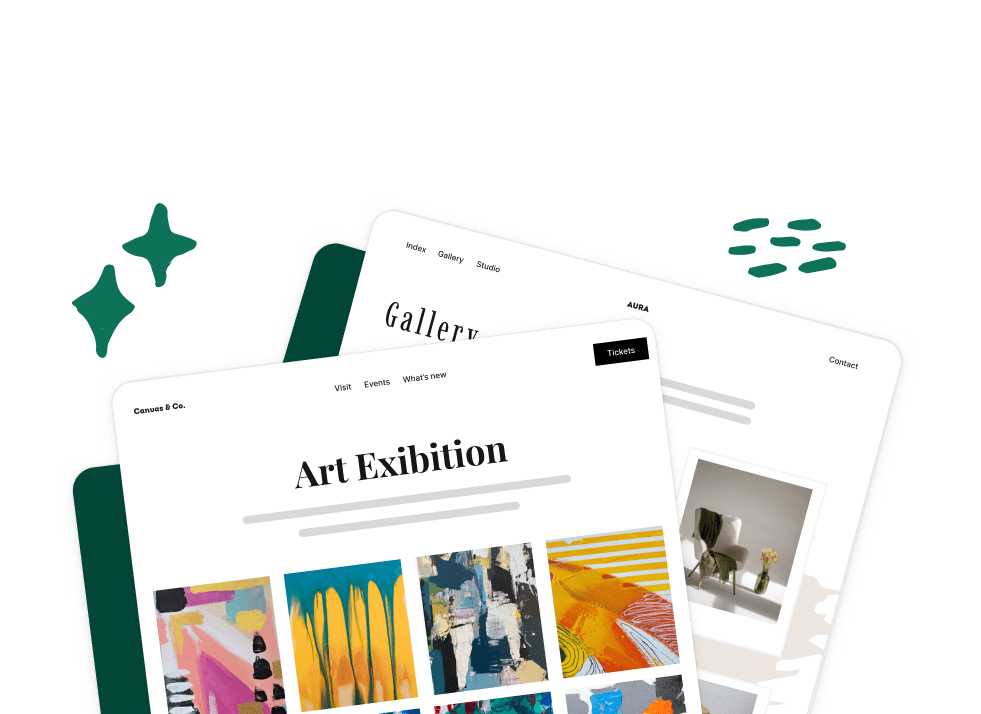




Create Beautiful Responsive Photo & Video Galleries For Your Site in Minutes

Envira Gallery Blog

Digital Photography Tips, Tutorials and Resources

The Best Drag and Drop WordPress Gallery Plugin

Envira Gallery: Create, Showcase, and Sell Your Work – Trusted by 150k+ Sites.

Enter the URL of your WordPress website to install

Upgrade to Envira Gallery Pro

Unlock even more powerful features designed to make your galleries even more beaituful.

Video Galleries

eCommerce

Social media Sharing

Adobe Lightroom

And much more!

Recent Posts

Import and export WordPress galleries and albums between sites

How to Import and Export WordPress Galleries and Albums Between Sites

A finished gallery holds more work than the photos in it. There’s the layout you picked, the captions and alt text you wrote, and the lightbox you set up the way you like it. Moving that gallery to another WordPress site shouldn’t mean doing all of it again. The move comes up more than you’d…
How to Display Your Dribbble Shots on Your WordPress Site

How to Display Your Dribbble Shots on Your WordPress Site

Your best design work probably lives on Dribbble already. The problem is that your own website, the one clients actually land on when they search your name, often shows only some of it. Keeping both up to date usually means exporting every shot, uploading it again to WordPress, and rebuilding the same gallery twice. That’s…
Before and After Photos

How to Show Before & After Photos in WordPress

Do you want to display before and after images on your website? You may want to display a before and after photo without having to use photo editing tools like Photoshop or Canva. In this article, we will share how to show before and after photos in WordPress alone. Displaying Before and After Photos First…
Envira Gallery featured image for a guide to WordPress gallery layouts, showing a bento-style arrangement of photo tiles beside two smaller layout options with one marked as chosen

WordPress Gallery Layouts: Which One to Use and When

Every gallery layout in Envira Gallery in plain English: what each one does to your photos, who it suits, and when it quietly works against you.
How to Put WordPress Images Side by Side (4 Easy Ways)

How to Put WordPress Images Side by Side (4 Easy Ways)

WordPress puts every photo you add on a line of its own. Add a few, and the before-and-after or the pair of product shots you planned turns into a long scroll. Putting WordPress images side by side doesn’t take any code. There are four easy ways to line them up in a row, from a…
EnviraGallery logo with the guide title: How to Use Envira Gallery, a Step-by-Step Beginner's Guide.

How to Use Envira Gallery: A Step-by-Step Beginner’s Guide

Installing Envira Gallery takes about a minute. What slows most people down comes right after, when an empty gallery screen and a long row of settings tabs are waiting for them. Most of those tabs can wait. To get a good-looking gallery live on a page today, you only need a handful of settings, and…
1 2 … 84 85

Copyright © [#this year :%Y] Envira Gallery, LLC. Envira Gallery is a trademark of Envira Gallery, LLC.